Overview
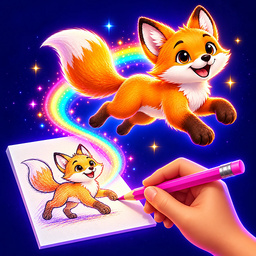
Animator: Cartoon Studio is where you make your own cartoons! A cartoon is lots of pictures that change very fast. Draw the first picture, then the next one just a little different, and press Play: your drawings come alive!
Draw with the pencil, rub out with the eraser, color with the fill and pick colors from your picture. Add shapes and words, choose any color. Draw the background once — sky, ground, houses — and it shows under every frame. Onion skin shows your last picture faintly, so the next one is easy to draw. Any frame can stay on screen longer — up to ×6. Make your cartoon fast or slow, in a loop or back and forth like a swing. The sheet can be wide, tall, square or classic.
Start simple: a bouncing ball, a smiling sun, a stick figure waving. Then make up whole stories!
Your cartoons are kept in My Gallery, where you can search them by name. Download a finished cartoon as a video, an animation or a picture and show it to your friends and family.
13,048 players online
How to play
-
Open the game
Press Play now and the game opens on its own screen.
-
Follow the in-game instructions
The controls and goals are shown inside the game as you play.
-
Use the game menu
The floating button over the game reloads it, saves it to your favourites, or takes you back out.