Overview
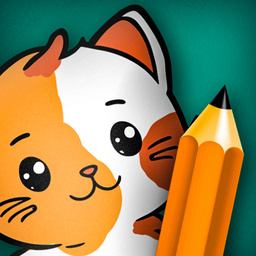
Coloring Book Free Online is an exciting game that allows you to plunge into the world of creativity and fantasy. In this game, you will find a variety of pictures to color - from cute animals and exciting landscapes to fascinating abstractions. Choose the picture you like and start coloring it with bright and saturated colors.
Choose one of 19 collections, where charming cats, magical unicorns, dinosaurs, mysterious space, picturesque plants and much more are waiting. Click on the collection icon to open a world of fascinating pictures on the selected topic. Find in the collection that one picture (out of more than 400) that you especially like, click on its icon - and immerse yourself in the coloring process, enjoying creativity.
Choose the tool you like - be it a pencil, marker or fill, and if necessary, you always have an eraser at hand. Choose the right color and brush size, and immerse yourself in the world of creativity!
10,808 players online
How to play
-
Open the game
Press Play now and the game opens on its own screen.
-
Follow the in-game instructions
The controls and goals are shown inside the game as you play.
-
Use the game menu
The floating button over the game reloads it, saves it to your favourites, or takes you back out.