Overview
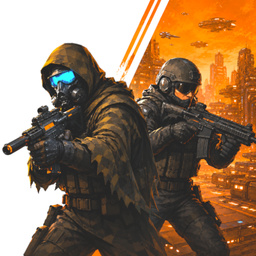
Star Wars Arena is a sci-fi team-based online shooter and a CS pro-player simulator focused on competitive esports gameplay inspired by Counter-Strike, Standoff, Valorant and Fortnite.
Build your team and fight across multiple maps, testing your aim, reflexes and tactical skills. Feel the atmosphere of classic shooters like CS 1.6 and CS:GO, experience the adrenaline of Valorant-style combat, and enjoy stylish sci-fi visuals.
Prove yourself as a true Counter-Strike pro in a world where not only enemy players stand in your way, but also deadly anomalies and dangerous creatures. Star Wars Arena is a hybrid of a tactical multiplayer shooter and a sci-fi universe built for intense online battles.
Love CS, Standoff or Valorant? Then Star Wars Arena is a must-try. Become a legend of competitive multiplayer combat and prove your skills in fast-paced sci-fi matches.
11,186 players online
How to play
-
Open the game
Press Play now and the game opens on its own screen.
-
Follow the in-game instructions
The controls and goals are shown inside the game as you play.
-
Use the game menu
The floating button over the game reloads it, saves it to your favourites, or takes you back out.